
Setup Guide
From zero to your first order.
Seven small steps. About five minutes. Everything from your phone. Follow along and by the end, your store will be live and shareable.
Create your account
Go to pinglist.co/setup. You only need four things: your brand name, your first name, your WhatsApp number, and a password. As you type your brand name, watch your store link appear underneath — that link is yours forever.
- Use the WhatsApp number you sell with — that's where orders will land.
- No card, no email, no fees. Free until your 5th order request.
Be the next sold-out brand
Brand name
Ama's Closet
pinglist.co/amas-closet
First name
Ama
WhatsApp number
+233 · 20 123 4567
Password
••••••••
Free until your 5th order request — no card required.
Say hello to your dashboard
After signup you land in your dashboard — your store's engine room. The green banner means your store is already live on the internet. Tap Copy My Store Link and keep it somewhere handy; you'll be sharing it a lot.
- Everything works from your phone — no computer needed.
- Log back in anytime at pinglist.co/login with just your WhatsApp number.
Your dashboard
🎉 Your store is live!
Share your link and start taking orders.
pinglist.co/amas-closet
Add your first product
Tap Add Product. Upload a short video (or a photo), then type the product's name and price. That's one product done — repeat for everything you sell. Start with your 3–5 best sellers; you can always add more later.
- Videos up to 50MB — a 7–15 second clip is perfect.
- Film in daylight and show the product on a real person when you can.
- Always put the real price. "DM for price" chases buyers away.
Add Product
Upload video or photo
the video you posted on TikTok works perfectly
Product name
Two-Piece Kaftan
Price
₵450.00
Set sizes, colours & stock
If a product comes in options, switch on "This product has options" and list them — S, M, L or 40, 41, 42, or colours. Each option has its own in-stock toggle, and can even have its own price. When something finishes, one tap hides it from customers.
This product has sizes
L is finished? Toggle it off. Customers can only order what you actually have.
Polish your store
Open Settings and add your logo (or a nice photo of you) and a short store description — where you're based, whether you deliver, what makes your pieces special. This is what customers see when they tap your profile, and it's what turns a stranger into a buyer.
- Running Facebook or Instagram ads? Paste your Meta Pixel ID in Settings and Pinglist will track your ad results automatically.
Store settings
Add your logo — stores with a face sell more
Store description
Ready-to-wear & custom pieces. Accra. Delivery nationwide 🚚
WhatsApp number
+233 · 20 123 4567
You can change all of this anytime.
Share your link everywhere
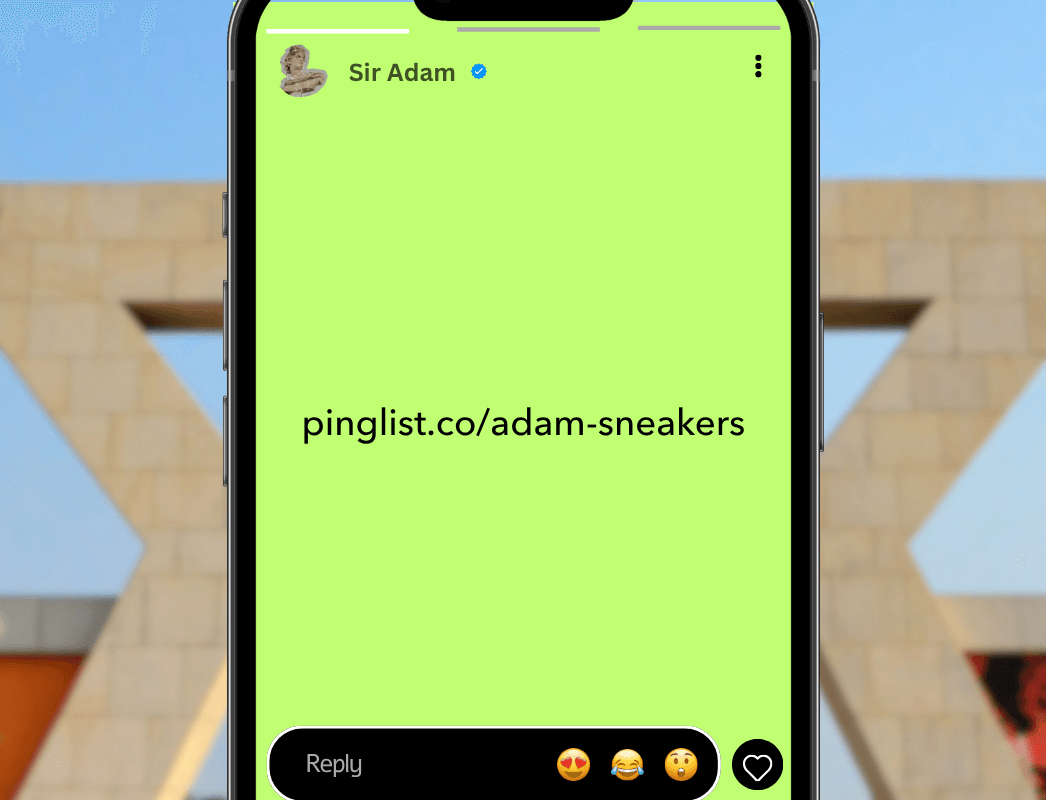
Now the fun part. Post your link on your WhatsApp status with your best product video. Put it in your TikTok bio and Instagram bio. Send it to your past customers. One link, everything you sell, always up to date.
Receive your first order 🎉
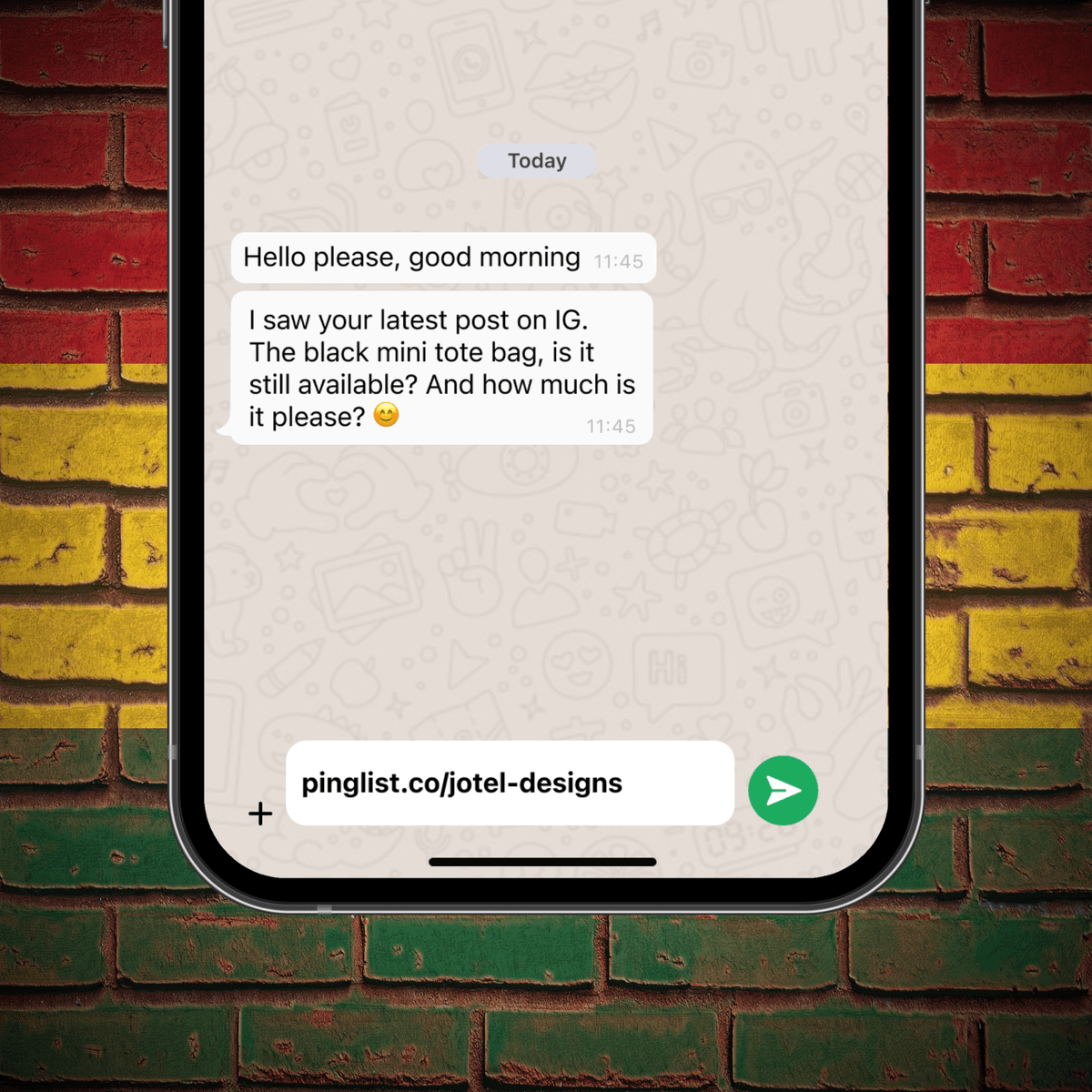
When a customer taps Order on any product, WhatsApp opens on their phone with the message already written — product name, size, and price. It lands in your WhatsApp like any normal message. Reply fast, confirm the details, take your MoMo, and deliver. That's a sale.
- Reply within the hour if you can — fast replies win sales in Ghana.
- Confirm item + price + delivery in one message before payment. No disputes later.
Bonus: sell in person with your QR code
Every store gets its own QR code. Put it on your counter, your packaging, or your shop window — customers scan it and land straight in your store. Pro vendors get a premium acrylic counter stand delivered free (GH₵ 70 if you're not on Pro yet). Even if you rename your store later, your printed QR keeps working.
Stuck anywhere? A human will help you.
Personal setup support comes with every store. Message us and we'll walk you through it — or set it up with you.